
Adding a rotisserie to your ILVE oven lets you roast meats evenly and achieve crisp, juicy results. This step-by-step guide shows you how to set up and use your rotisserie safely and correctly.
Tools Required
- Rotisserie kit (spit, supports, black handle, extractor tool)
- Oven mitts or gloves
Step-by-Step Replacement Process
-
Open the oven door to 90°.
Take out the grids for more space. -
Remove the drip tray.
Slide the drip tray completely out of the oven to prepare for setup. -
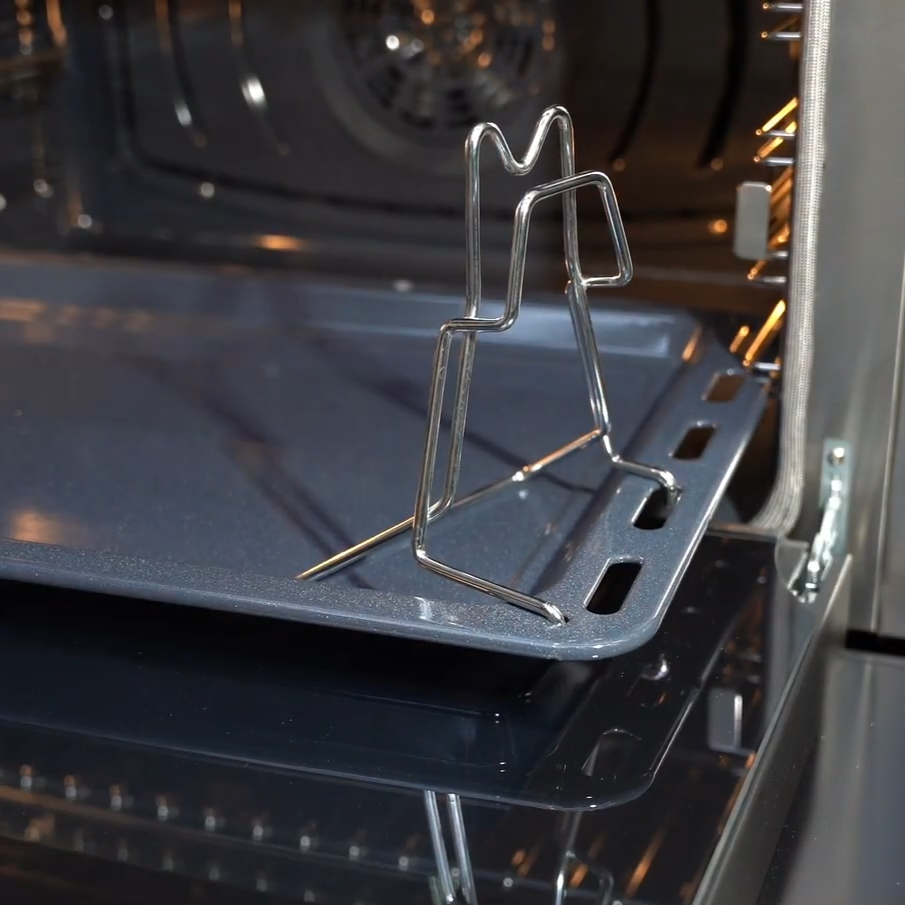
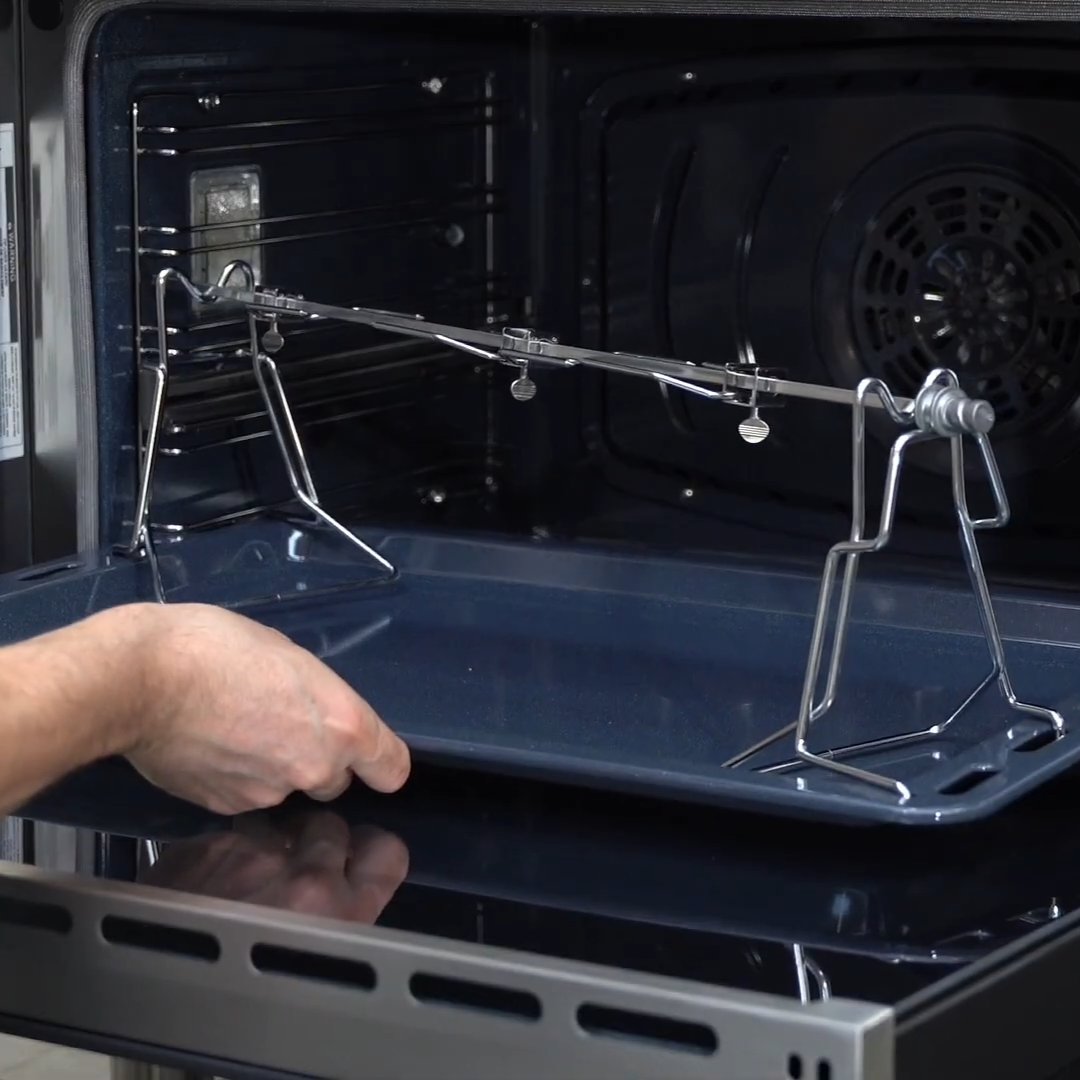
Attach the rotisserie supports to the drip tray.
Position the supports correctly on the tray and ensure they are securely placed. -
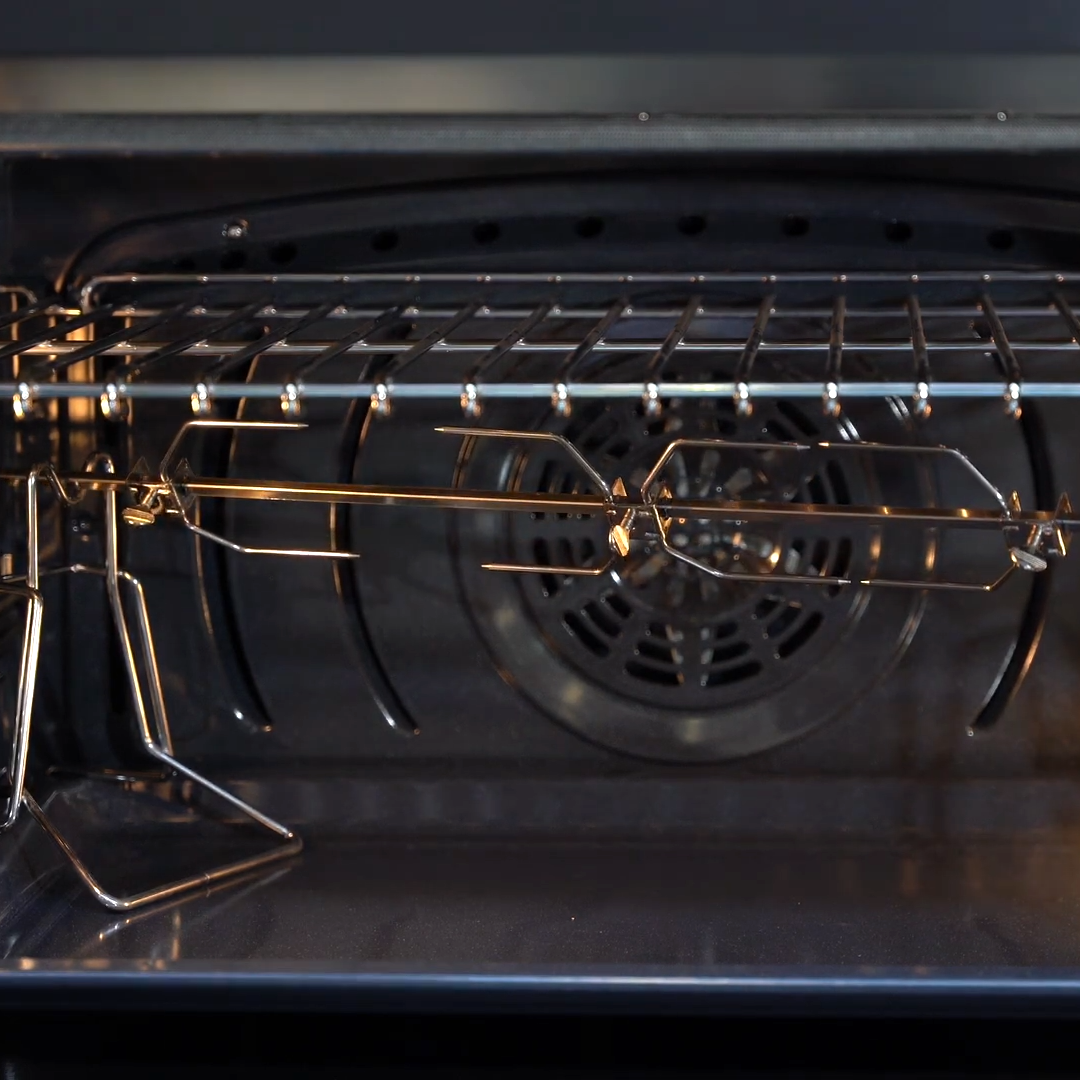
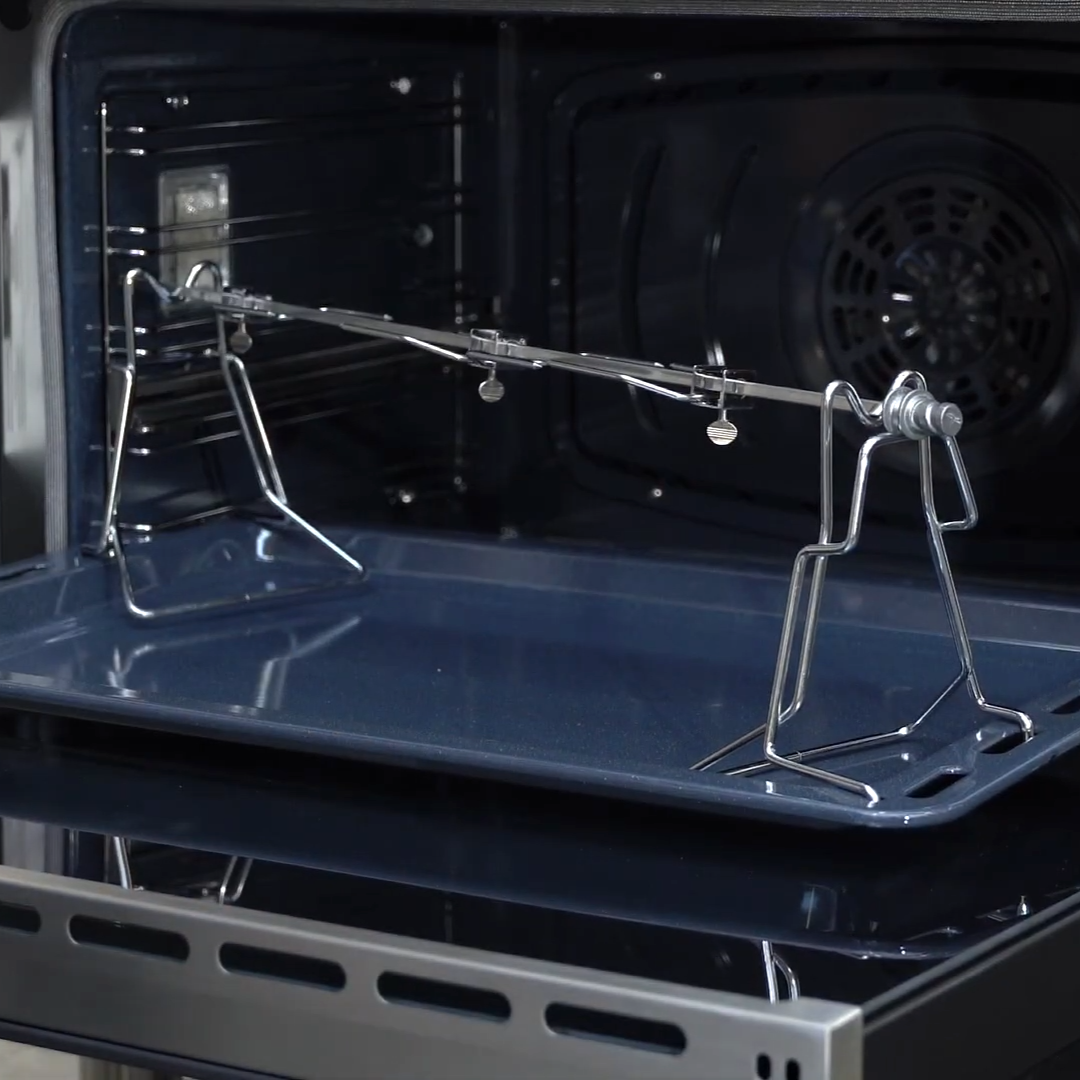
Place the spit onto the supports.
Set the rotisserie rod onto the tray supports, ensuring proper positioning. -
Insert the drip tray into position 1.
Slide the tray fully into the lowest rack position until it is properly seated. -
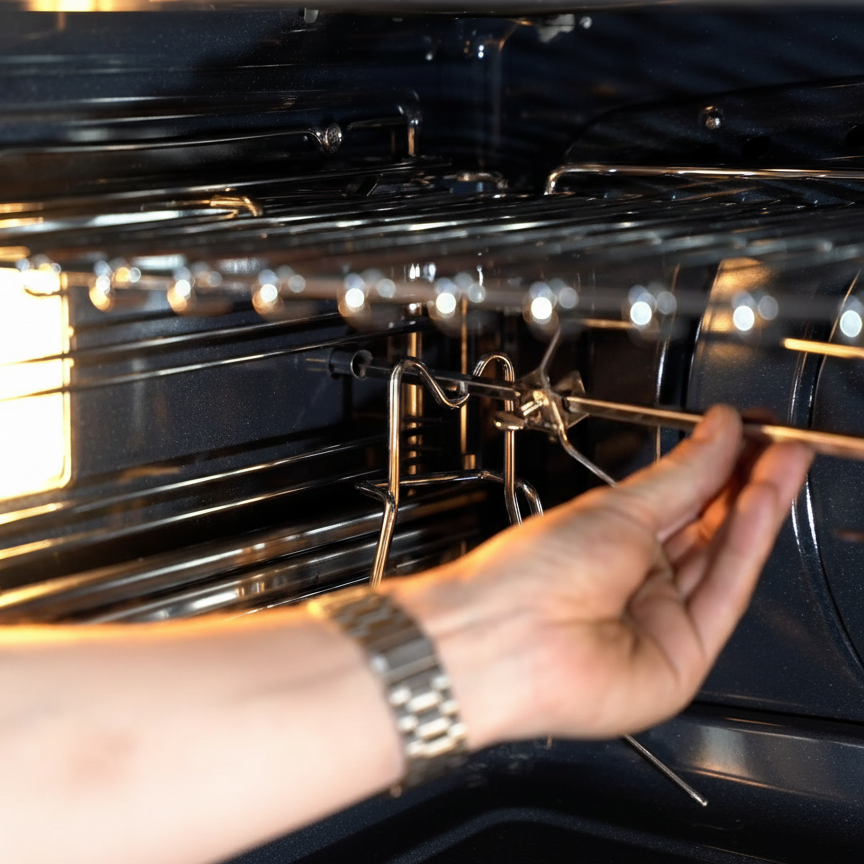
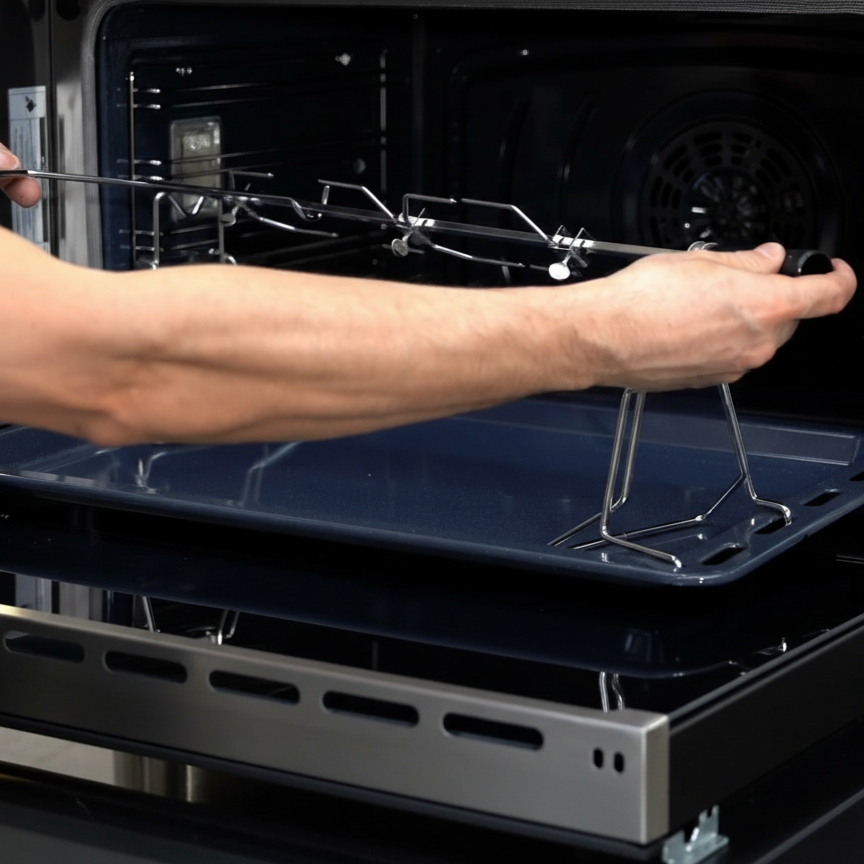
Insert the spit into the rotisserie motor housing.
Guide the end of the spit into the motor housing, making sure it is securely seated. -
Check alignment.
Confirm that all components are evenly positioned and the spit rotates freely. -
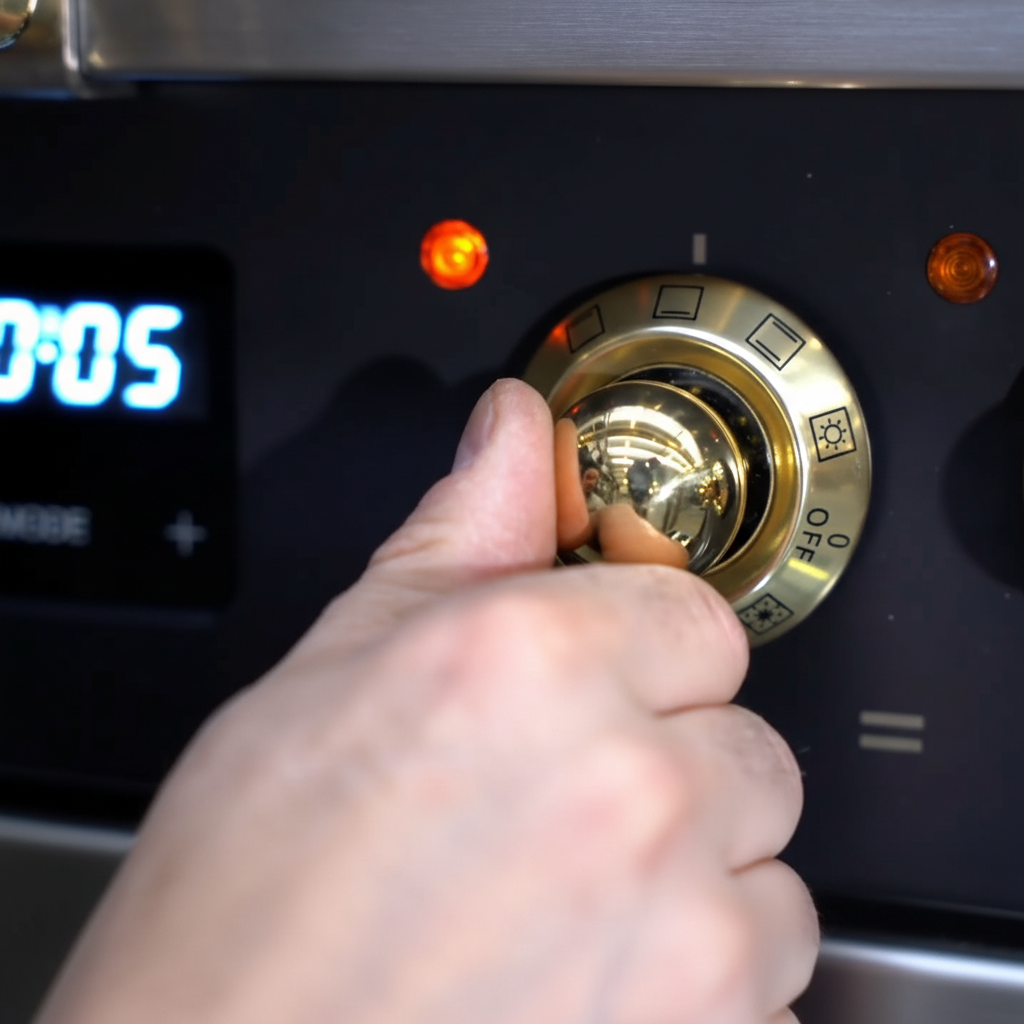
Select the grill function.
Turn the oven control knob to the grill setting to activate the rotisserie. -
Turn off the oven after cooking.
Allow the spit to stop rotating completely before attempting removal. -
Remove the spit safely.
Using an oven glove, carefully remove the hot spit from the motor housing. -
Remove the drip tray.
Carefully slide the drip tray out of the oven. -
Use the extractor tool if needed.
Attach the black handle and use the extractor tool to assist with removal.
Final Recommendations
- Refer to the full ILVE installation manual for clearance requirements and connection guidelines.
- Always hire a licensed professional for gas and electrical installations.
- Register your ILVE Range online to activate your warranty and receive product support.
Need further assistance? Visit us.ilve.com or contact our support team.
