
How to Replace the Side Panel on ILVE Panoramagic Range
Whether you’re updating your ILVE Panoramagic range or replacing a damaged panel, this guide walks you through each step to ensure a clean and correct installation.
Ideal for technicians, contractors, or hands-on homeowners, this tutorial ensures the panel is replaced safely and efficiently.
Tools Required
- Flathead screwdriver
- Phillips screwdriver or drill with proper bit
- Replacement side panel
- Clean, stable work surface
Step-by-Step Replacement Process
-
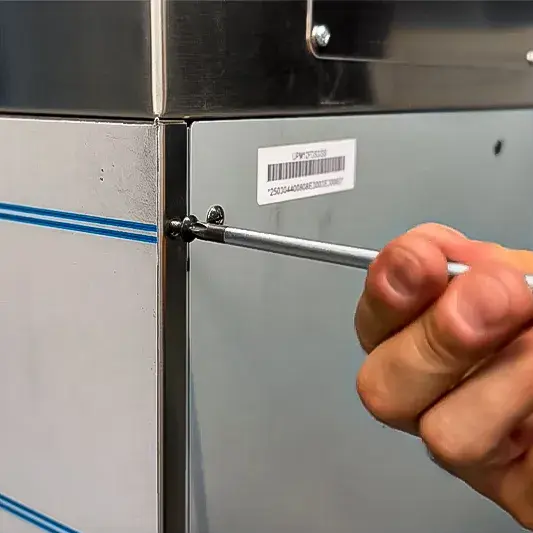
Remove external screws.
Start by unscrewing the three screws that hold the side panel in place externally. -
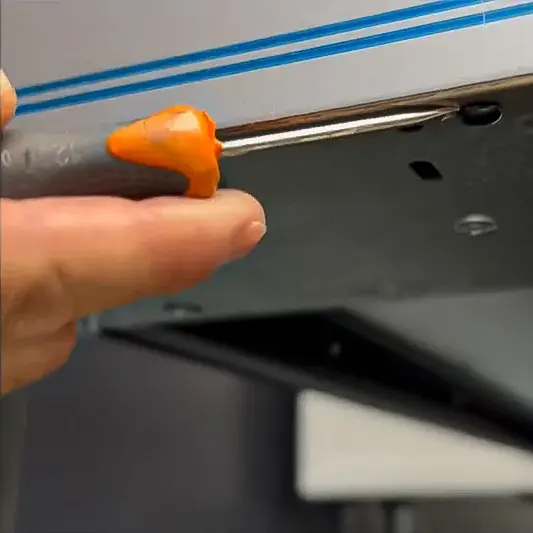
Remove press-fit rivets.
Use a flathead screwdriver to remove the two press-fit rivets. -
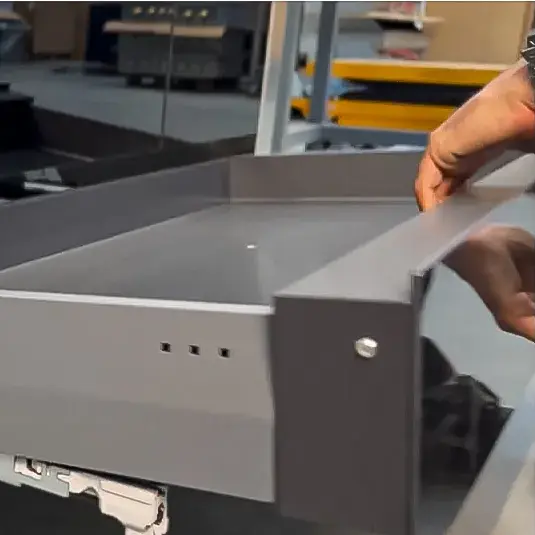
Remove drawer and open oven door.
Slide the bottom drawer out and open the oven door for access. -
Unscrew internal panel screws.
Locate and remove the two screws inside that secure the side panel. -
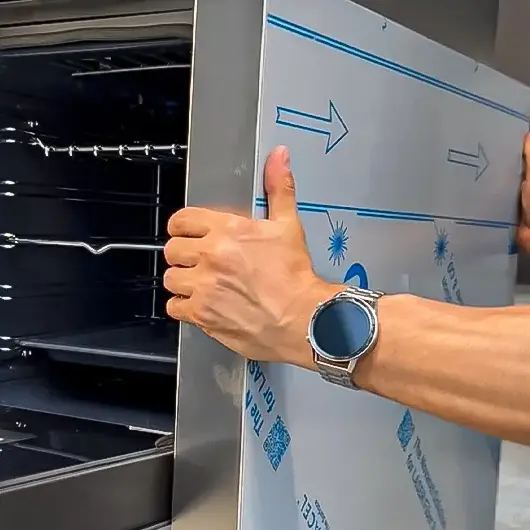
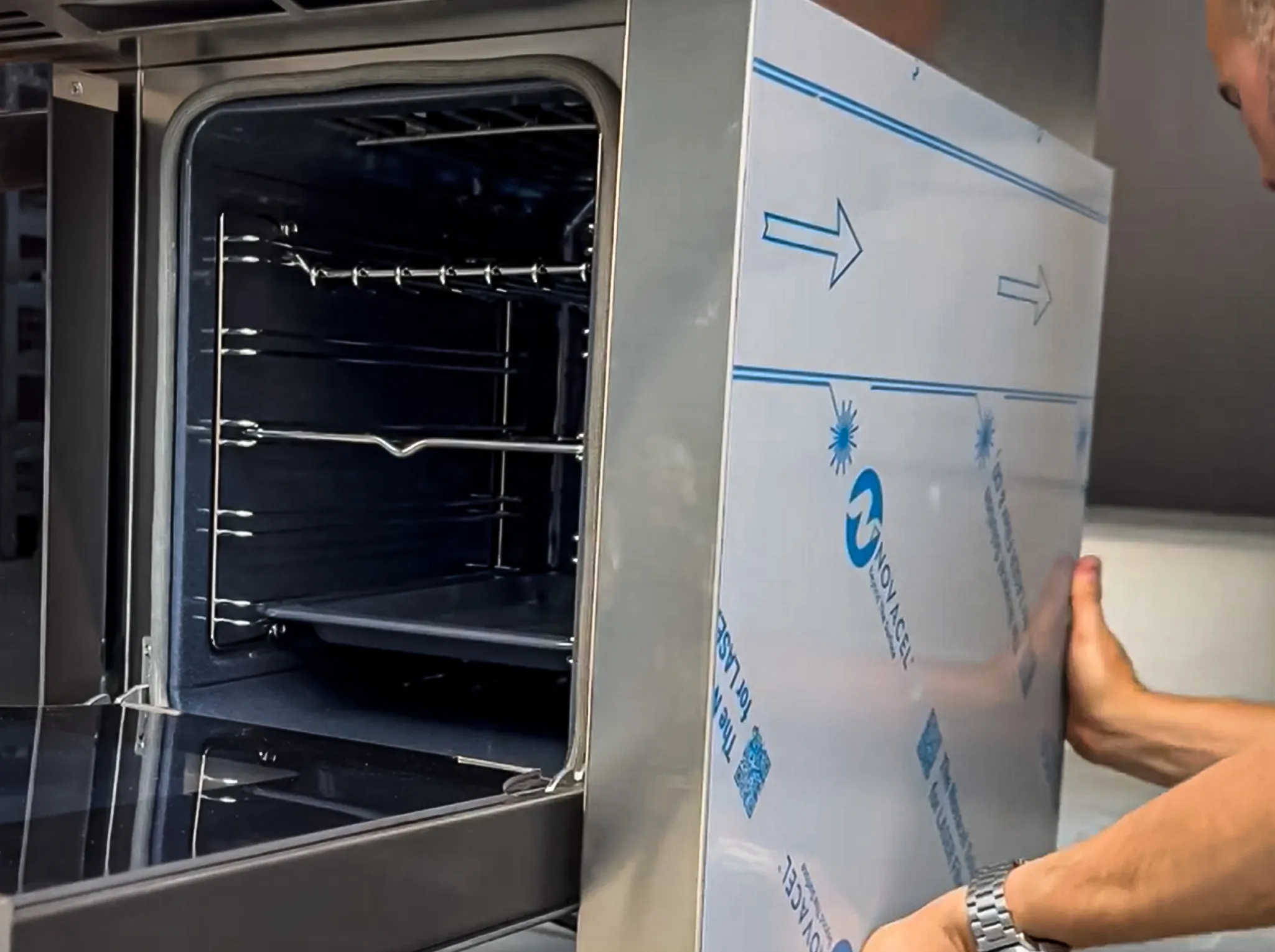
Release the old panel.
Apply forward pressure to detach and remove the old panel. -
Align and insert new side panel.
Carefully align the new panel to ensure all holes and edges are flush. -
Reinstall screws and rivets.
Fasten the two internal screws, three external screws, and reinstall the press-fit rivets. -
Return the drawer to position.
Slid the drawer back in to complete the process.
Final Recommendations
- Refer to the full ILVE installation manual for clearance requirements and connection guidelines.
- Always hire a licensed professional for gas and electrical installations.
- Register your ILVE Range online to activate your warranty and receive product support.
Need further assistance? Visit us.ilve.com or contact our support team.
