
Upgrading your ILVE Majestic range handle is easier than you might think. Whether you’re replacing a worn-out part or simply updating the look, this guide walks you through each step with clarity and care.
Tools Required
- 8mm socket wrench
- Phillips screwdriver
- Flat, padded surface to rest the oven door
- Gloves (optional but recommended)
Step-by-Step Replacement Process
-
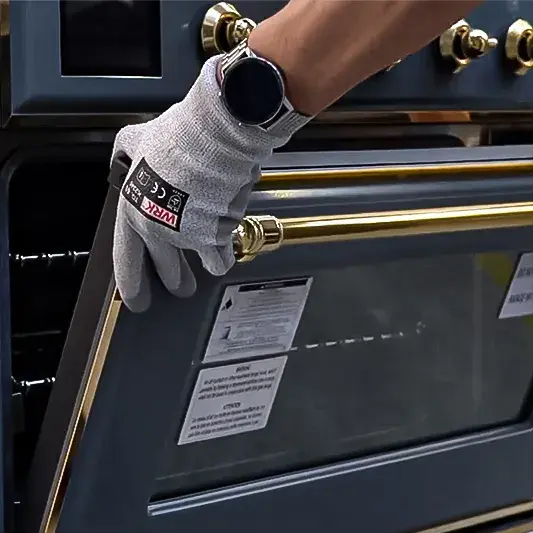
Open the oven door.
Set the door at a 90° angle.
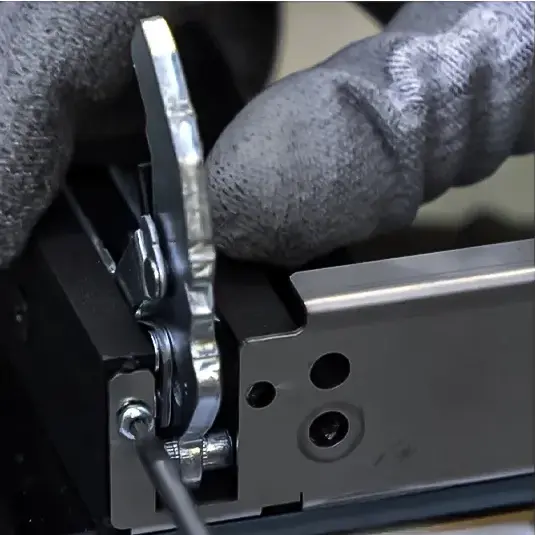
Unlock both hinges by pulling the hinge levers toward the door. -
Remove the oven door.
Carefully lift the door up and off the hinges.
Place it on a soft, stable surface to prevent scratching or breakage. -
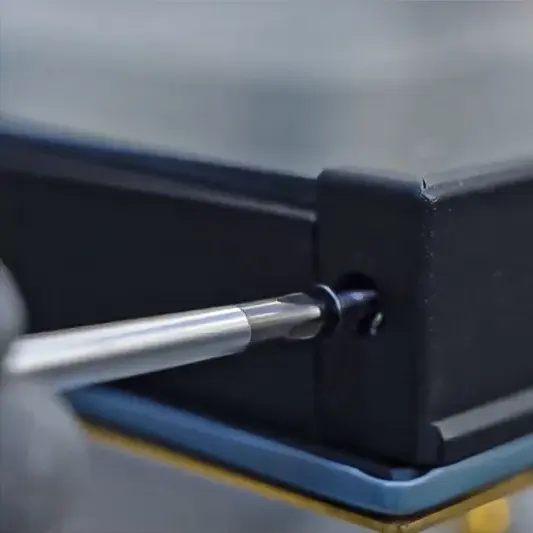
Detach the top glass retainer.
Unscrew the two screws on either side of the top retainer.
Lift and set the retainer aside. -
Remove the glass panels.
Gently lift out the inner and middle glass panels.
Handle them carefully to avoid damage. -
Unscrew and remove the external glass structure.
This exposes the oven handle.
Set it aside on a protected surface. -
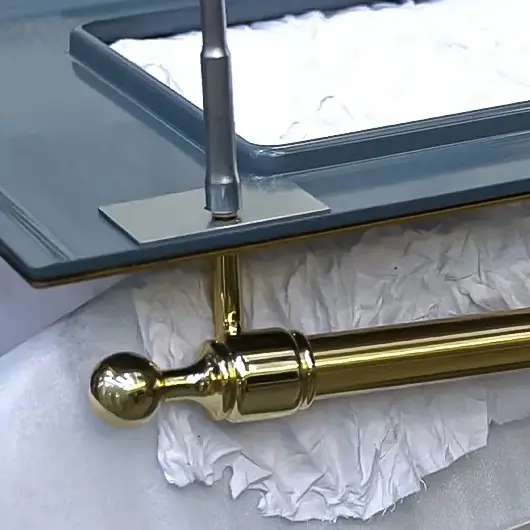
Remove the existing handle.
Use an 8mm socket wrench to loosen both bolts.
Detach the old handle. -
Install the new handle.
Align and secure the new handle with the same 8mm wrench.
Make sure it’s tightened evenly on both ends. -
Reattach the external glass structure.
Line it up and screw it back into place securely. -
Insert the outer glass panel.
Slide it carefully into position. -
Reinsert the middle glass panel.
Ensure proper alignment within the internal supports. -
Align the clips.
Double-check that the glass panels are properly held in place. -
Double-check the middle glass panel.
Make sure it’s fully sealed and straight. Repeat if necessary. -
Snap on the top glass retainer.
Press it gently into place over the glass. -
Tighten the retainer screws.
Secure the top retainer with the screws you removed earlier.
Final Recommendations
- Refer to the full ILVE installation manual for clearance requirements and connection guidelines.
- Always hire a licensed professional for gas and electrical installations.
- Register your ILVE Range online to activate your warranty and receive product support.
Need further assistance? Visit us.ilve.com or contact our support team.
