
Replacing the TFT display on an ILVE Panoramagic range is a delicate but straightforward process when done with care. This guide outlines the full replacement procedure, from disassembling the cooktop to safely removing and installing the new screen.
Whether you’re a certified technician or an advanced DIY user, follow these detailed steps to ensure a safe and accurate display replacement.
Tools Required
- Phillips screwdriver
- Torx screwdriver
- Flathead screwdriver
- Heat gun
- Microfiber cloth
- Replacement TFT display
- Marker or labels for cable identification
Step-by-Step Replacement Process
-
Remove the grates and burners.
Take off all grates and burner caps from the cooktop. -
Remove the rear cover.
Use a Phillips screwdriver to detach the rear metal cover. -
Unscrew the burner screws.
Unscrew all visible Torx screws on each burner. -
Lift and remove the cooktop.
Apply upward pressure to loosen and remove the entire cooktop surface. -
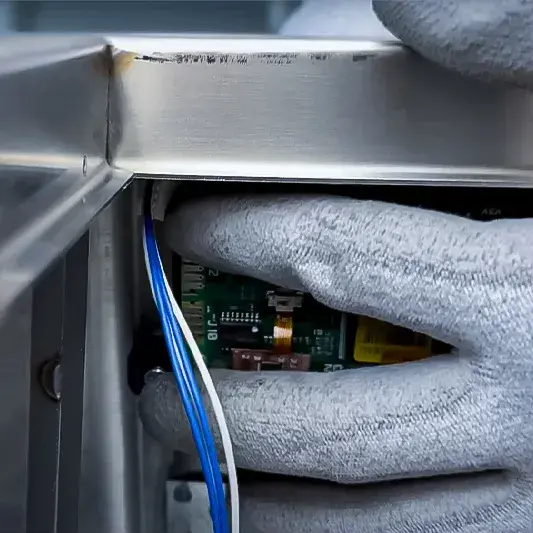
Detach and label cables.
Carefully unplug all display cables and mark their sequence for reinstallation. -
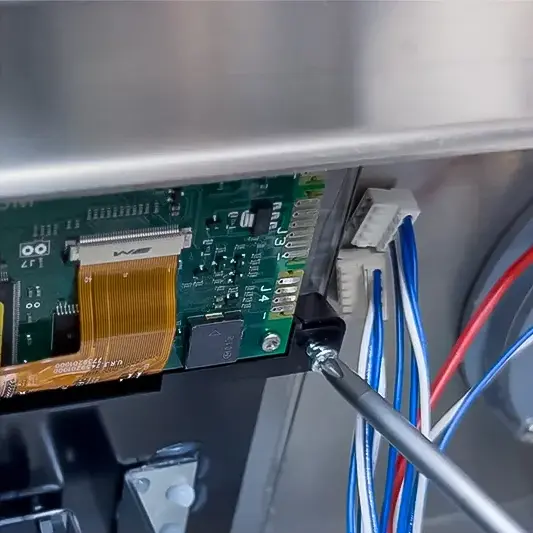
Unscrew the display support.
Remove the support bracket securing the display panel. -
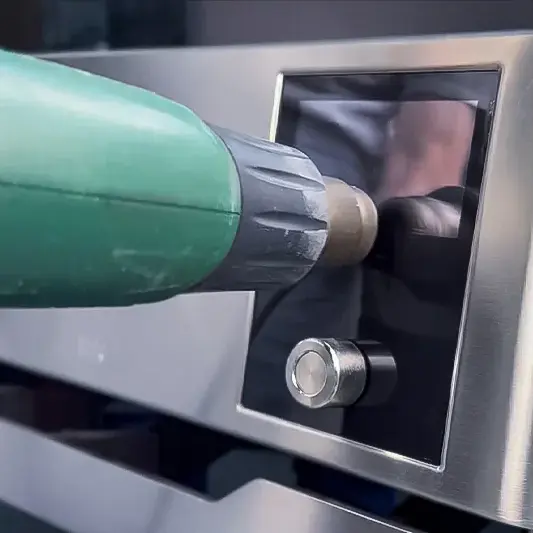
Use heat gun to soften adhesive.
Apply heat in slow circular motions while keeping at least 5cm of distance to prevent varnish damage.. -
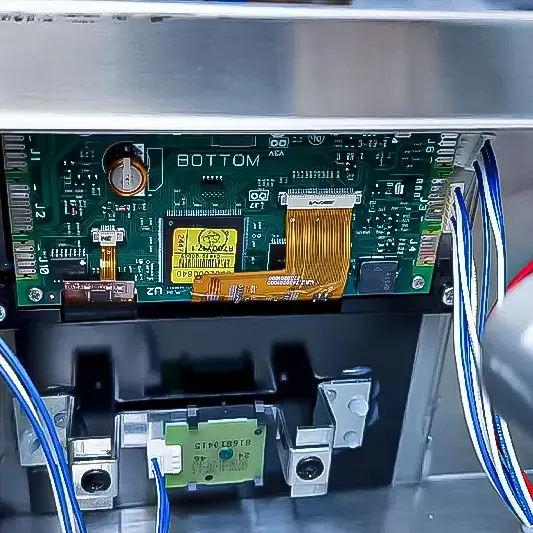
Remove the display panel.
Gently lift the TFT display.
Note: If the pull tab breaks, use a flathead screwdriver to pry it off carefully.. -
Clean the area.
Wipe away any adhesive residue using a microfiber cloth. -
Insert the new display.
Position the replacement display into place securely. -
Reattach the support.
Screw the support bracket back over the new display. -
Reconnect the cables.
Plug in each cable according to the sequence marked earlier. -
Reposition the cooktop.
Make sure the gasket is correctly seated before replacing the top. -
Tighten the Torx screws.
Secure the cooktop by tightening all Torx screws on the burners. -
Reattach the rear cover.
Fasten the rear cover into place. -
Reinstall the burners and grates.
Place all burners and grates back where they belong.
Final Recommendations
- Refer to the full ILVE installation manual for clearance requirements and connection guidelines.
- Always hire a licensed professional for gas and electrical installations.
- Register your ILVE Range online to activate your warranty and receive product support.
Need further assistance? Visit us.ilve.com or contact our support team.
