
Overview
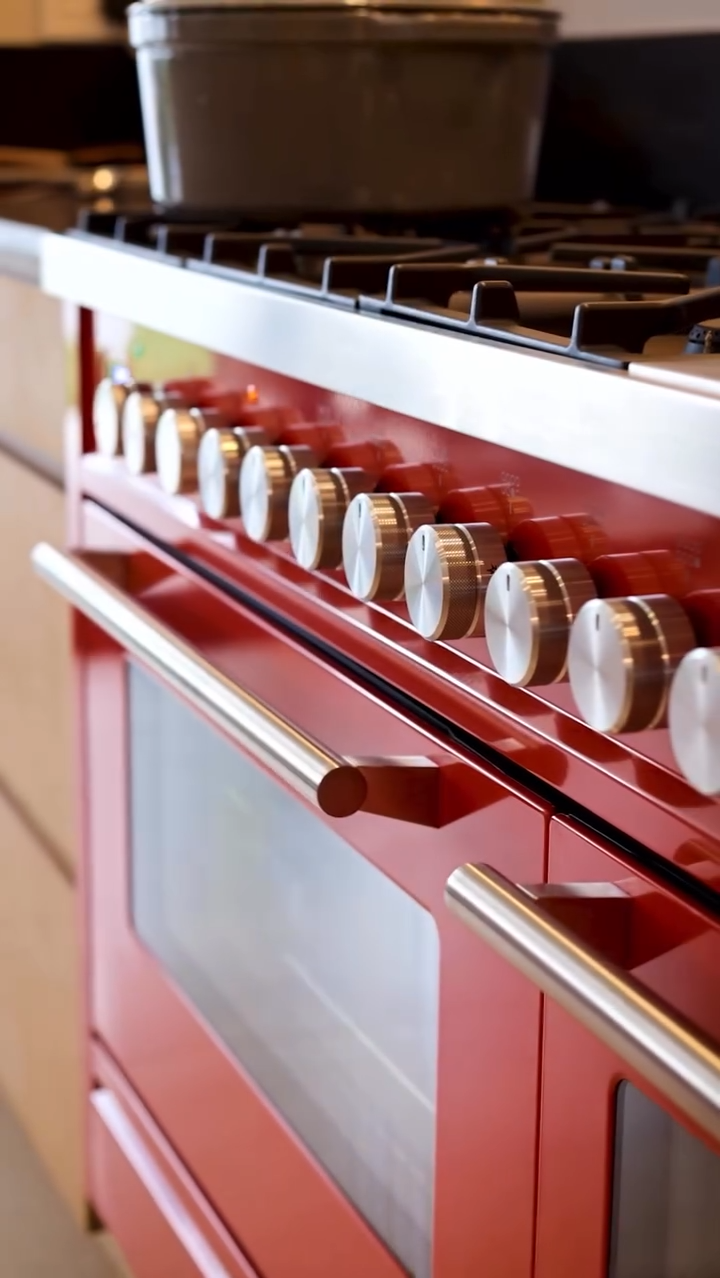
ILVE Professional Plus ovens use a multifunction cooking system with both static and fan-assisted modes, allowing flexibility depending on the selected cooking function. Heat is distributed through a combination of radiant elements and convection airflow, depending on the mode used.
Because of this hybrid design, cooking performance depends heavily on proper mode selection, rack position, and allowing sufficient time for the oven to fully preheat and stabilize.
If cooking performance is inconsistent, results may vary between uses, including differences in cooking time, doneness, or overall outcome. This is often related to mode selection, heat distribution, or temperature stabilization.
This guide will help determine whether inconsistent cooking performance is caused by normal operation, setup conditions, or a potential performance issue.
Common Causes
If cooking performance is inconsistent, the issue is typically related to:
- Cooking before the oven is fully preheated and stabilized
- Incorrect cooking mode selection (Static vs Fan-assisted)
- Uneven oven load or overcrowding
- Improper rack position
- Natural heat imbalance between top and bottom elements
- Multiple trays affecting heat distribution
- Frequent door opening
- Early evaluation before temperature stabilization
Operational Note
Professional Plus ovens combine static and convection cooking modes, and performance will vary depending on the function selected. Static modes rely on radiant heat, while fan-assisted modes improve heat circulation and consistency.
Because of this, selecting the correct cooking mode is critical. Consistent results are achieved only after the oven has fully preheated and stabilized, and performance may vary if the wrong mode is used for the application.
Troubleshooting Tip
Review the troubleshooting chart on the following page before contacting service.| Possible Cause | What To Do |
|---|---|
| Oven not fully preheated | Allow full preheat, then wait an additional 5–10 minutes before inserting food |
| Incorrect cooking mode selected | Use Fan-assisted mode for consistent results; use Static for traditional baking only |
| Using static mode for multi-tray or even cooking | Switch to convection mode to improve heat distribution |
| Rack position causing uneven heat exposure | Use center rack as baseline; adjust as needed |
| Oven overloaded or unevenly loaded | Reduce load and space items evenly |
| Multiple trays affecting heat balance | Test with a single tray; rotate trays if needed |
| Frequent door opening causing heat loss | Keep door closed during cooking |
| Temperature fluctuation during operation | Allow cooking to continue; minor variation is normal |
| Results evaluated too early | Allow full cooking time before checking results |
Step 1: Confirm preheat completion
Steps:
- Set oven to desired temperature
- Wait for the oven indicator light on the front control panel to turn OFF, confirming preheat is complete
- Do NOT place food in oven early
Important:
- The oven indicator light remains ON during preheat and turns OFF once the set temperature is reached. Cycling of the light during use is normal.
Step 2: Confirm cooking mode
Steps:
- Check if oven is set to Convection / Fan mode
- Compare results using Static (non-convection) mode
- Test under standard conditions:
- 350°F (175°C)
- Single tray
Result Interpretation:
- Convection improves consistency → airflow/setup issue
- No change → continue diagnosis
Step 3: Evaluate rack position
Steps:
- Use center rack for most cooking
- Avoid placing food too close to top or bottom
- Adjust rack position and retest
Important:
- Top rack → stronger radiant heat
- Bottom rack → stronger base heat
- Center → most balanced
Step 4: Check oven load and tray placement
Steps:
- Avoid overcrowding the oven
- Space items evenly
- Do not allow trays to touch oven walls
- Avoid using oversized trays that block airflow
Important:
- Proper airflow is required for consistent baking results.
Step 5: Test single item performance
Steps:
- Place one item in the center of the oven
- Cook under standard conditions
- Observe results
Important:
- Convection improves consistency → airflow/setup issue
- No change → continue diagnosis
Step 6: Evaluate multi-tray cooking
Steps:
- Space trays evenly
- Avoid stacking too closely
- Rotate trays if necessary
Step 7: Minimize door opening
Steps:
- Avoid frequent door opening
- Limit heat loss during cooking
Important:
- Opening the door disrupts airflow and heat distribution.
Step 8: Reset the oven
Steps:
- Turn OFF the circuit breaker
- Wait at least 2 minutes
- Turn the breaker back ON
- Test the oven at 350°F (175°C) using Convection / Fan mode
Step 8: Observe temperature behavior
| Situation | Issue | Possible Causes |
|---|---|---|
| A | Improves after full preheat | Normal operation |
| B | Improves with rack adjustment | Rack position issue |
| C | Improves with reduced load | Airflow / overcrowding issue |
| D | Single tray consistent, multi-tray inconsistent | Airflow limitation |
| E | No change after adjustments | Possible performance issue |
Step : Identify unsafe conditions
Steps:
- Cooking remains inconsistent after proper setup
- No improvement across different modes
- Results vary significantly under same conditions
If any of these occur:
- Turn OFF power at the breaker
- Do NOT continue use
- Contact a qualified technician
When to contact service
Service is required if:
- Cooking performance remains inconsistent after full preheat
- Results do not improve with load, rack, or mode adjustments
- Oven does not stabilize during operation
Possible causes include:
- Temperature sensor issue
- Convection fan malfunction
- Airflow obstruction
- Electronic control system issue
These components require inspection by a qualified service technician.
Contact ILVE USA Customer Service to schedule service.
