
Overview
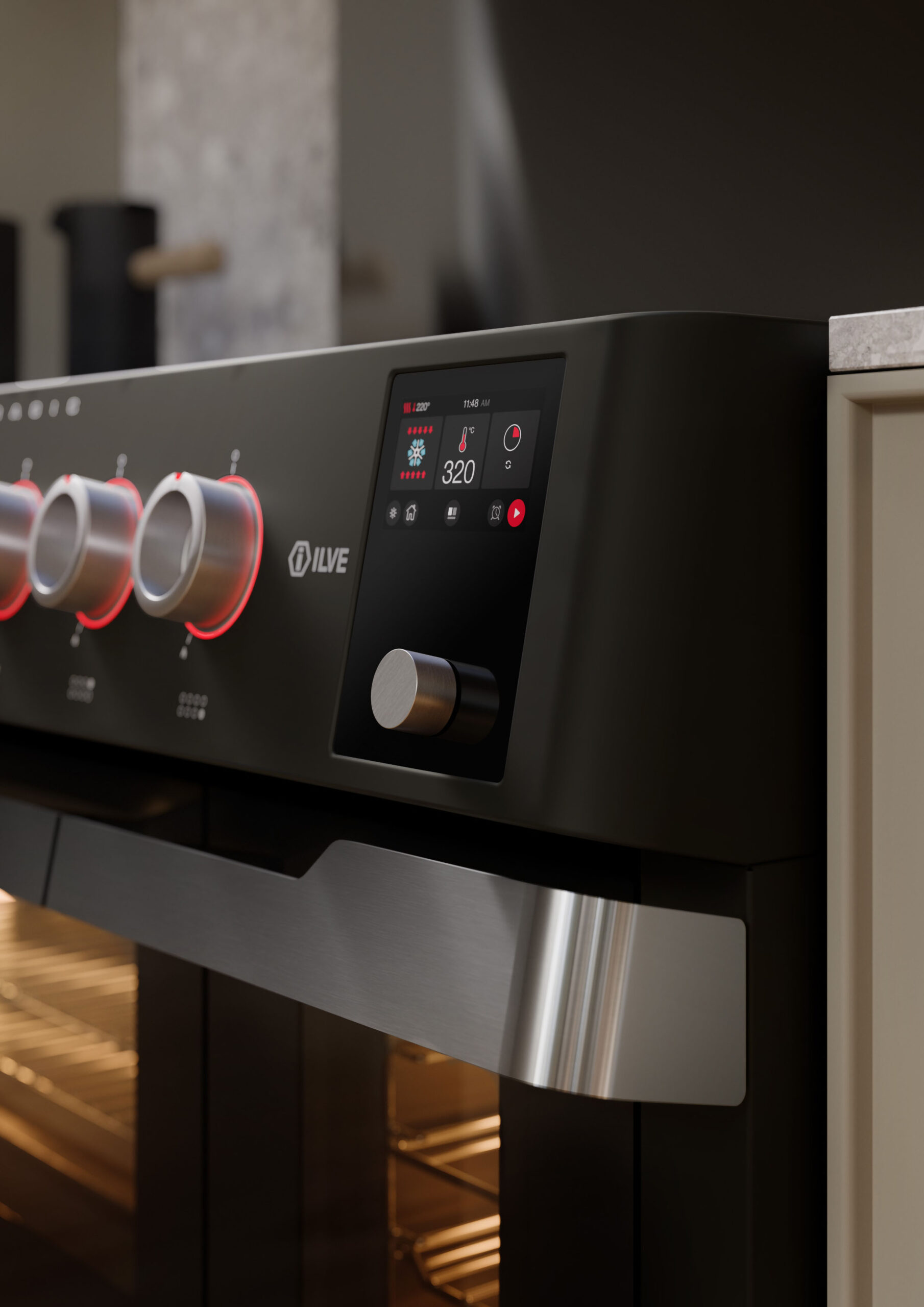
Panoramagic ranges feature a large oven cavity and strong heat output, combined with high-performance burners. Due to this design, more heat can accumulate across the front control area during cooking—especially when using multiple burners or high-output settings.
The control knobs may become warm or moderately hot during operation as heat radiates from cookware and the cooktop. This is expected behavior. The manual also emphasizes that surfaces near burners and cooking areas can become hot and cause burns, and users should avoid direct contact during operation.
Because Panoramagic units are designed for powerful and efficient cooking, heat buildup at the front panel can be more noticeable compared to smaller or less powerful models.
Common Causes
Knobs overheating is typically related to:
- High burner flame settings
- High-output burners (especially dual-ring burners)
- Large cookware reflecting heat forward
- Extended cooking durations
- Multiple burners operating simultaneously
- Flame size exceeding cookware base
- Strong heat retention from large oven cavity
- Limited airflow or ventilation
Operational Note
- Knobs will become warm during normal cooking
- Heat increases significantly with high-output burners
- Large cookware and strong flame intensify front heat
Panoramagic models naturally generate more front heat due to their power and size.
Knobs should not become dangerously hot or unsafe to operate.
Troubleshooting Tip
Review the troubleshooting chart on the following page before contacting service.| Possible Cause | What To Do |
|---|---|
| High-output burners | Reduce flame to appropriate level |
| Flame extending beyond cookware | Adjust flame size to fit pan |
| Oversized cookware | Reposition cookware centrally |
| Multiple burners in use | Reduce simultaneous usage if possible |
| Heat buildup from long cooking | Allow unit to cool between use |
| Poor ventilation | Improve airflow (use hood, open space) |
Step 1: Evaluate cooking conditions
Steps:
- Check how many burners are active
- Identify heat levels and duration
Result interpretation:
- Heavy load → Likely normal
- Light load → Continue troubleshooting
Step 2: Check flame size and position
Steps:
- Observe flame relative to cookware
Result interpretation:
- Adjust flame so it does not extend beyond pan edges
Step 3: Inspect cookware size and placement
Steps:
- Check if cookware exceeds burner diameter
Important:
- Use properly sized cookware
- Keep cookware centered over burner
Step 4: Evaluate airflow and ventilation
Steps:
- Check if range hood is operating
- Ensure airflow is not restricted
Important:
- Do not use downward airflow systems, as they can disrupt combustion and heat flow
Action:
- Use proper overhead ventilation
- Avoid airflow disruption
Step 5: Reduce load and test
Steps:
- Use fewer burners
- Lower flame intensity
Action:
- Heat reduces → Normal condition
- No change → Continue
Step 6: Identify pattern
| Situation | Observed Behavior | What It Indicates |
|---|---|---|
| A | Knobs warm during heavy cooking | Normal operation |
| B | Heat increases with high flame | Flame size or cookware issue |
| C | Heat improves after adjusting setup | Heat direction or airflow issue |
| D | Knobs excessively hot under all conditions | Possible abnormal condition |
Step 7: Identify unsafe conditions
Steps:
- Knobs too hot to safely touch
- Heat present even under low usage
- Discoloration or damage near control area
If any of these occur:
- Turn OFF power at the breaker
- Allow unit to cool
- Do NOT continue use
- Contact a qualified technician
When to contact service
Service is required if:
- Knobs become excessively hot under normal use
- No improvement after adjusting flame and cookware
Possible causes include:
- Internal heat shielding issue
- Improper airflow within appliance
- Component or installation issue
These components require inspection by a qualified service technician.
Contact ILVE USA Customer Service to schedule service.
