
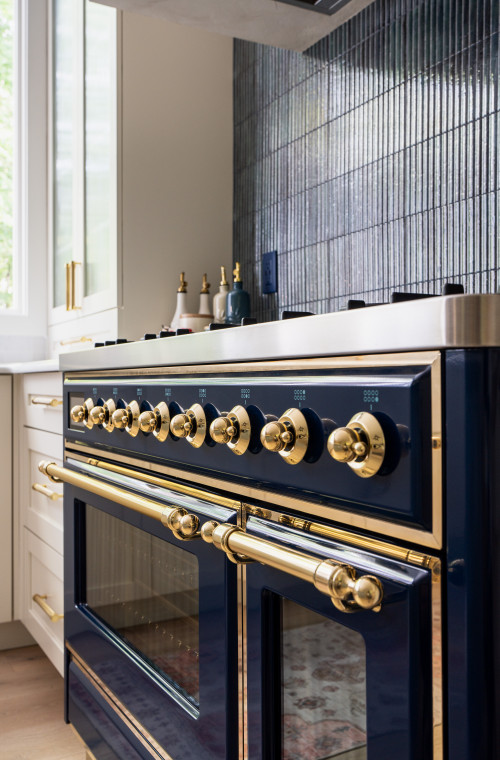
Overview
The control knobs on Majestic ovens are used to select cooking functions and adjust temperature through the electronic control system. When operating correctly, turning a knob should result in an immediate response on the display and activation of the selected function.
In some cases, the knobs may appear unresponsive or fail to trigger the expected function. This is often related to setup conditions, control confirmation, or user interaction rather than a mechanical failure.
Because Majestic ovens use a control interface connected to a display system, the knob input must be properly engaged and confirmed for the oven to respond. Delayed response, no response, or inconsistent behavior is typically caused by incorrect selection, incomplete activation, or temporary control interruption.
Common Causes
Knob response issues are most commonly related to:
- Function not properly selected on TFT
- Selection not confirmed on display
- Control system delay or interruption
- Oven not fully powered or initialized
- Rapid or incomplete knob movement
- Temporary electronic glitch
Operational Note
- Knob input controls the oven through the TFT interface
- A function must be selected and confirmed to activate
- Slight delay in response may occur
Turning the knob alone may not start a function without confirmation.
The display must reflect the selected setting for operation to begin.
Troubleshooting Tip
Review the troubleshooting chart on the following page before contacting service.| Possible Cause | What To Do |
|---|---|
| Function not selected correctly | Re-select desired function |
| Selection not confirmed | Confirm selection on TFT display |
| Control delay | Pause briefly and retry |
| Knob turned too quickly | Turn knob slowly and deliberately |
| Temporary control glitch | Turn oven OFF and restart |
| Oven not fully powered | Verify power and display status |
Step 1: Confirm oven is powered
Steps:
- Check TFT display is ON
- Verify oven has power
Result:
- No display → Power issue
- Display active → Continue
Step 2: Select function properly
Steps:
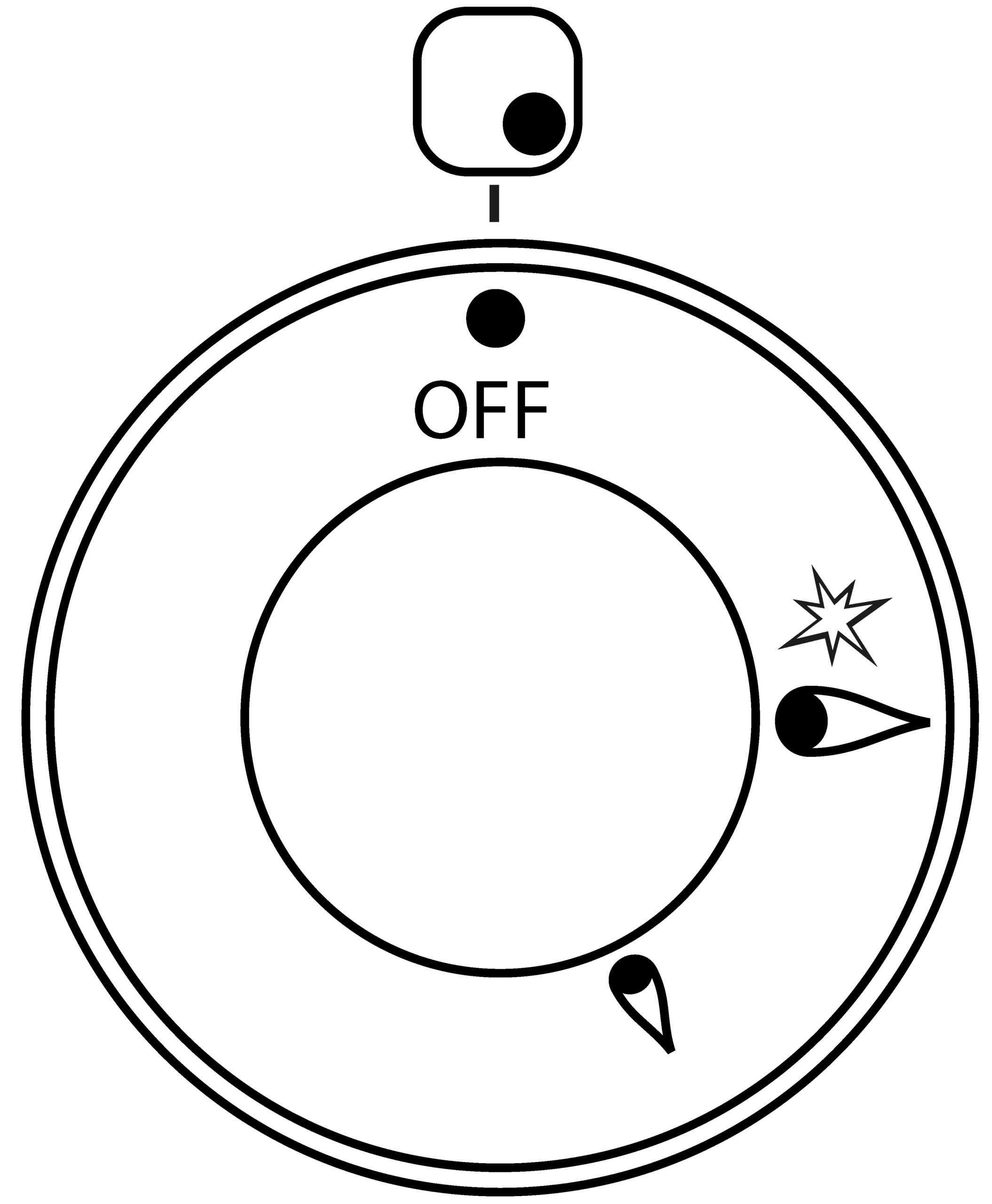
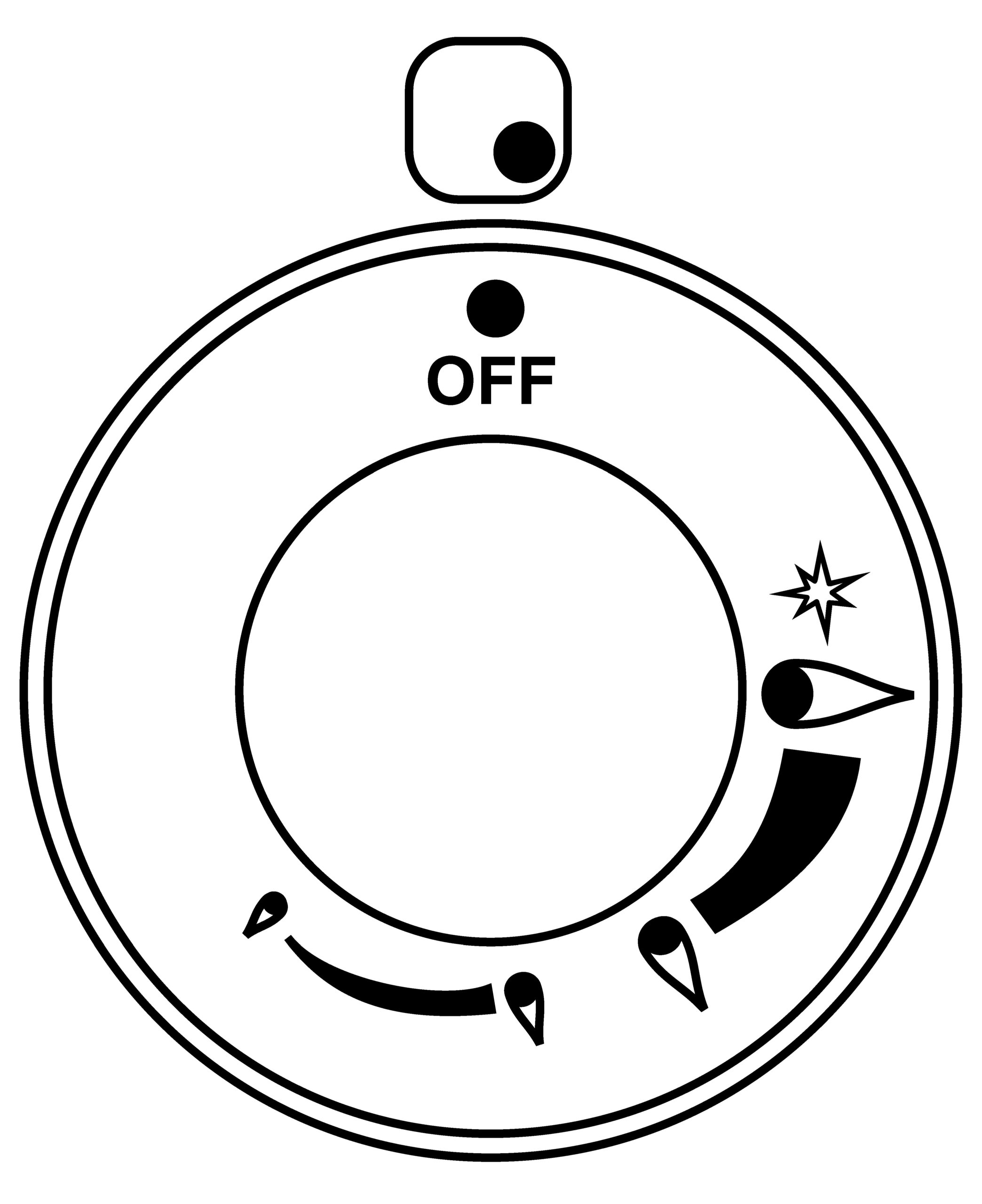
- Turn knob to desired function
- Observe changes on TFT screen
Action:
- Ensure function appears on screen
Step 3: Confirm selection
Steps:
- Confirm selection if required by interface
Action:
- Function must be confirmed, not just selected
Step 4: Select function using knob
Steps:- Turn knob slowly and deliberately
- Avoid rapid or repeated movements
- Improved system response
Step 5: Reset oven
Steps:
- Turn oven OFF
- Wait 1–2 minutes
- Turn oven back ON
Result:
- Clears temporary system interruptions
Step 6: Identify pattern
| Situation | Observed Behavior | What It Indicates |
|---|---|---|
| A | No response when turning knob | Control not engaged or not confirmed |
| B | Delayed response | Normal system delay |
| C | Intermittent response | Input or control inconsistency |
| D | No response after restart | Possible internal issue |
Step 7: Identify unsafe conditions
Check for:
- No response under any condition
- TFT display not reacting to input
- Controls failing after reset
If any of these occur:
- Turn OFF appliance
- Do NOT continue use
- Allow unit to cool
- Contact service
When to contact service
Service is required if:
- Knobs do not respond after reset
- No response despite correct setup
Possible causes include:
- Control interface issue
- Internal electronic fault
- Wiring or connection issue
These components require inspection by a qualified service technician.
Contact ILVE USA Customer Service to schedule service.
