
Overview
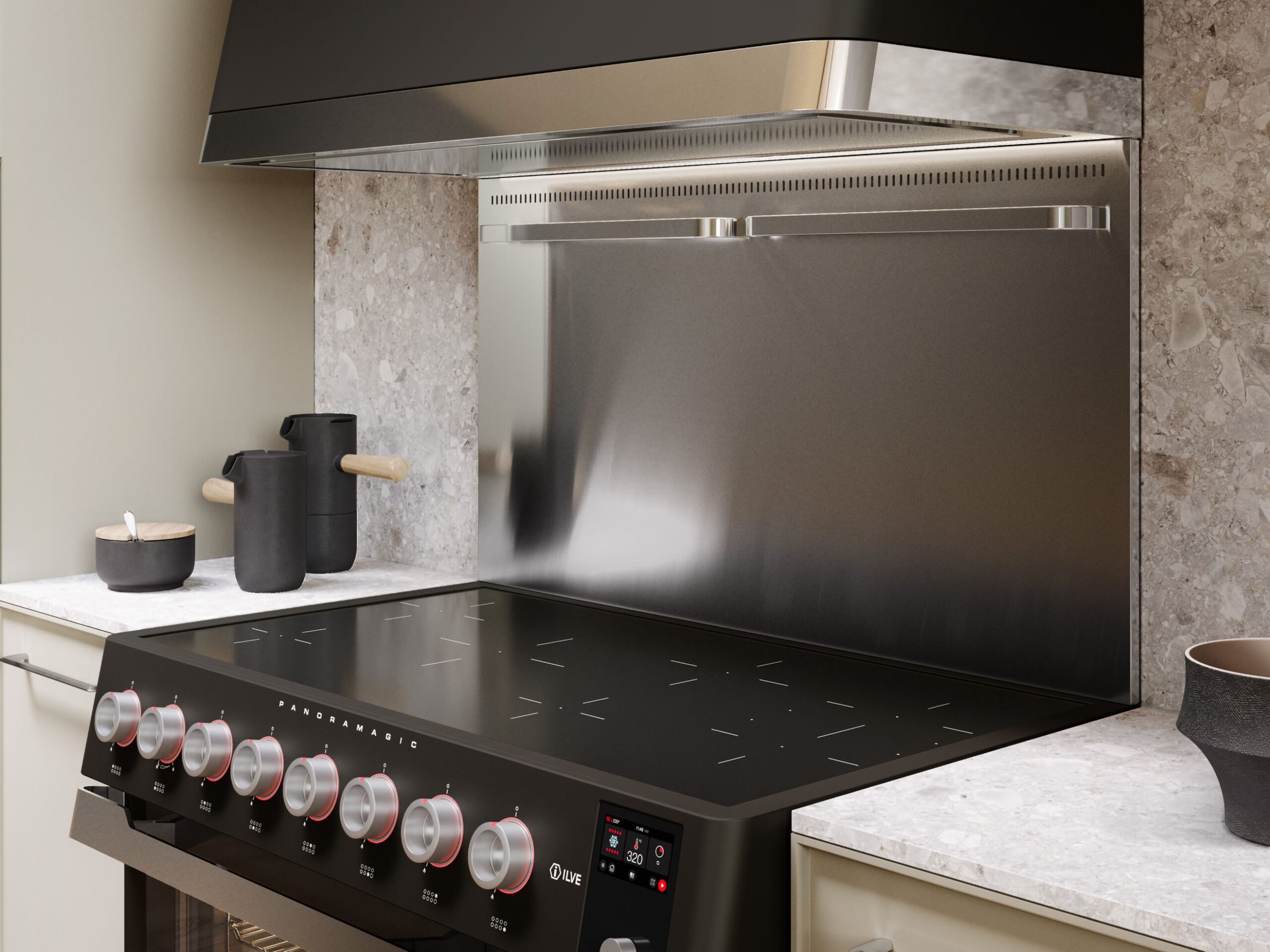
ILVE Panoramagic ovens use a TFT touch display that controls and monitors all oven functions. The display relies on a stable electrical supply and proper system initialization to operate correctly.
If the display is not lighting up, the oven may appear completely unresponsive or may still have partial functionality depending on the underlying cause. In most cases, this condition is related to power supply issues, display settings, or control system interruption.
A non-functioning display does not always indicate a complete loss of power, but it should be evaluated to ensure proper operation.
Common Causes
If the oven display does not light up, the issue is typically related to one of the following:
- No electrical power to the unit
- Circuit breaker OFF or partially tripped
- Loose or inconsistent power connection
- Improper voltage (120V instead of 240V)
- Unit not properly grounded
- Display in standby or screen-off mode
- Control system interruption
- Internal display or control board fault
Operational Note
The TFT display controls all oven functions and requires a stable 120/240V grounded electrical supply to operate correctly. If power is interrupted or unstable, the display may not turn on or may remain blank. In some cases, the display may appear off while the unit still has partial power.
Repeated or persistent display failure is not normal and should be evaluated.
Troubleshooting Tip
Review the troubleshooting chart on the following page before contacting service.| Possible Cause | What To Do |
|---|---|
| Display completely blank | No power supply — check breaker and connection |
| Display not lighting but unit has power | Voltage or grounding issue |
| Display turns on intermittently | Electrical instability — verify supply |
| Display unresponsive but lit | Control system interruption — reset required |
| Display remains off after reset | Internal fault — service required |
Step 1: Confirm power status
Steps:
- Check if any lights, fans, or other functions are working
- Confirm the unit is receiving power
- Verify issue did not begin after installation or electrical work
- Determine if display is completely OFF or just not responding
Important:
- A completely blank display usually indicates a power supply issue rather than a display failure.
Step 2: Check circuit breaker
Steps:
- Locate the circuit breaker assigned to the oven
- Check if the breaker is OFF or tripped
- Reset by turning OFF, then back ON
- Confirm power is restored to the unit
Step 3: Confirm electrical supply
ILVE ranges require a 220–240 volt supply for proper heating performance.Steps:
- Confirm the unit is properly connected to the electrical supply
- Check for loose or disconnected wiring or plug
- Verify outlet or hardwired connection is active
- Ensure breaker is fully ON (no partial trip)
- Confirm unit is receiving full 220–240V supply
Electrical Requirements & Tips
- Circuit amperage varies by model and size — refer to the series-specific power tables at the end of this guide.
- If the range receives 120V instead of 240V, the display and lights may function, but the oven will not heat properly.
- If electrical supply is uncertain, consult a qualified electrician.
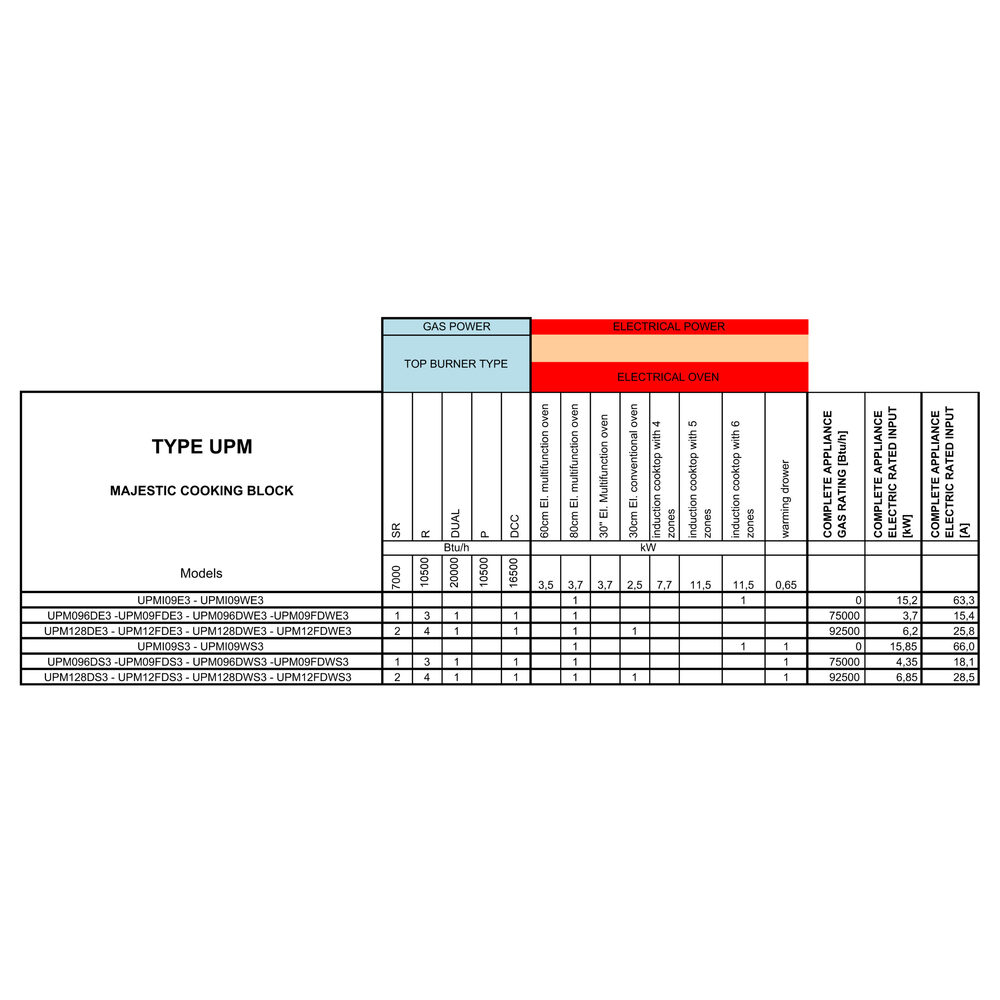
Step 4: Check display state / standby mode
Steps:
- Tap or press the display to wake the screen
- Check if screen brightness is reduced or off
- Confirm the unit is not in standby or screen-lock mode
- Attempt to access the home screen
Important:
- The TFT display includes settings and standby features that may make the screen appear off when inactive.
Step 5: Reset the oven
Steps:
- Turn OFF the circuit breaker
- Wait at least 2 minutes
- Turn the breaker back ON
- Test the oven at 350°F (175°C) using Convection / Fan mode
Step 6: Observe behavior pattern
Steps:
- Display remains completely OFF → power or connection issue
- Display briefly turns ON then OFF → electrical instability
- Display lights but does not respond → control system issue
- Display flickers → voltage or wiring issue
Step 7: Identify oven behavior
| Situation | Issue | Possible Causes |
|---|---|---|
| A | Display completely OFF | No power or electrical supply issue |
| B | Display intermittently lights | Electrical instability |
| C | Display lights but is unresponsive | Control system interruption |
| D | Display remains OFF after reset | Internal fault |
Step 8: Identify unsafe conditions
Steps:
- Breaker trips repeatedly
- Burning smell or visible damage
- Signs of overheating or electrical failure
- Power loss affecting multiple appliances
If any of these occur:
- Turn OFF power at the breaker
- Do NOT attempt repeated resets
- Do NOT attempt internal inspection
- Contact a qualified technician
When to contact service
Service is required if:
- Display does not turn on after power verification
- Display remains blank after reset
- Display is intermittent or unstable
- Unit has power but display does not respond
Possible causes include:
- Control board failure
- Internal wiring issue
- Power supply fault
- Electrical connection issue
These components require inspection by a qualified service technician.
Contact ILVE USA Customer Service to schedule service.
