
Overview
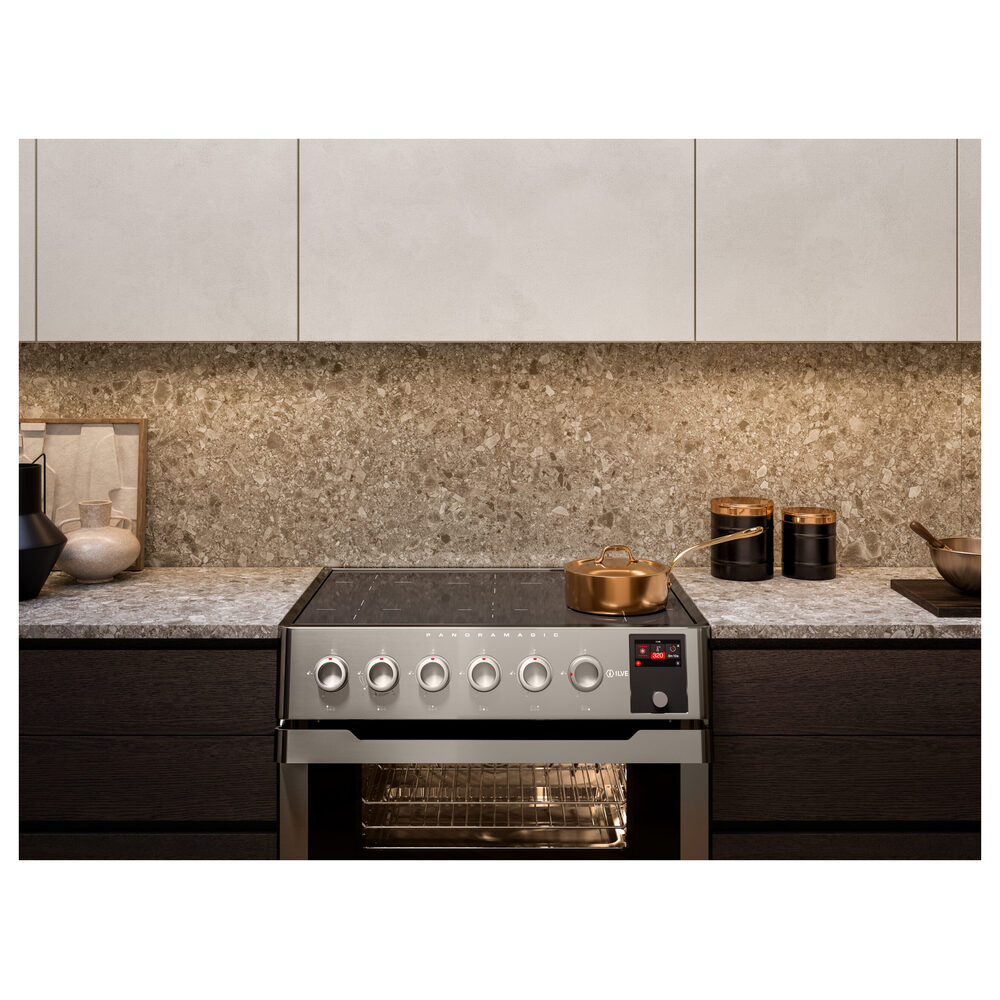
ILVE Panoramagic ovens are designed as high-performance, professional-grade appliances, combining advanced electronic controls with multi-element heating and convection technology.
Unlike standard residential ovens, Panoramagic models regulate temperature through dynamic thermostatic cycling and active airflow, maintaining a consistent average temperature throughout the oven cavity rather than a constant static heat output.
Because of this precision-driven system, some temperature fluctuation and recovery behavior is normal and expected, particularly during preheating, cooking mode transitions, and when the oven door is opened.
This guide helps distinguish between normal operating behavior and true performance issues, ensuring accurate troubleshooting and optimal cooking results.
Common Causes
If the oven display and controls operate normally but the oven does not heat, the issue is typically related to one of the following:
- Airflow inside the oven cavity is restricted
- Incorrect cooking function or mode selected
- Oven not fully preheated before use
- Heat loss from door opening or gasket condition
- Improper rack or cookware placement
- Heating element, thermostat, or electrical issue
System Behavior (Reference)
ILVE ovens regulate temperature through thermostatic cycling rather than constant heat output.
At a set temperature of 350°F (175°C), normal operation includes:
- Temperature peaks above the setpoint (approximately 360–380°F)
- Temperature drops below the setpoint (approximately 320–340°F)
This cycling maintains a consistent average temperature throughout the oven cavity.
Important: Minor temperature fluctuation (approximately ±25°F) is normal during operation.
Troubleshooting Tip
Review the troubleshooting chart on the following page before contacting service.| Possible Cause | What To Do |
|---|---|
| Airflow inside the oven cavity is restricted | Remove foil, trays, oversized cookware, or any obstruction. Ensure rear vents and the base of the oven are clear. |
| Improper rack or cookware placement blocking airflow | Reposition racks and cookware to allow proper air circulation. Avoid overcrowding the oven. |
| Incorrect cooking function selected | Select an appropriate cooking mode. Use Fan Forced / Convection modes for more stable and consistent temperature. |
| Convection fan not operating | Confirm the fan is running when using fan-assisted modes. If not, service may be required. |
| Quick Start used incorrectly (not switching after preheat) | Use Quick Start for preheating only. Once preheated, switch to the desired cooking function. |
| Oven not fully preheated before cooking | Allow the oven to fully preheat before placing food inside. |
| Oven door not sealing properly or opened frequently | Ensure the door closes completely and the gasket is intact. Avoid opening the door unnecessarily during cooking. |
| Normal thermostat cycling (temperature fluctuation) | This is normal. ILVE ovens cycle above and below the set temperature to maintain an even average. |
| Temperature does not stabilize within normal range | If temperature drops continuously or does not recover, internal components may require inspection by a service technician. |
| Heating element, temperature sensor, or control issue | If temperature drops continuously or does not recover, internal components may require inspection by a service technician. |
Step 1: Confirm a cooking function is selected
Proper airflow is critical for consistent oven temperature. Restricted airflow can cause uneven heating and slow temperature recovery.
Steps:
- Remove any foil, trays, or oversized cookware blocking airflow
- Ensure rear vents and oven base are clear
- Remove rotisserie drip pan unless in use
- Retest the oven
Step 2: Confirm cooking function selection
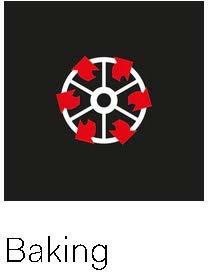
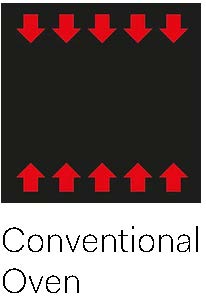
The selected cooking function determines how heat is applied. Setting temperature alone does not control heat distribution. Steps:- Select the appropriate cooking function (Bake / Static, Fan Forced / Convection Bake, or Fan Cooking)
- Use fan-assisted modes for more even and stable temperature
- Confirm the convection fan is operating when using fan modes
Step 3: Verify preheating method (Quick Start)
Majestic ovens include a Quick Start function for rapid preheating by activating multiple heating elements.
Using Quick Start incorrectly may affect temperature stability.
Steps:
- Activate Quick Start to preheat
- Allow the oven to fully preheat
- Switch to the desired cooking function before cooking
Note: Quick Start is for preheating only and should not be used as a continuous cooking mode.
Step 4: Evaluate heat loss conditions
Check for conditions that may cause heat loss during operation.
Steps:
- Ensure the oven door closes fully and seals properly
- Verify the door gasket is intact (no gaps, tears, or compression issues)
- Minimize opening the oven door during cooking
- Avoid overloading the oven with cookware
Refer to the Majestic / Panoramagic oven door gasket replacement guide and video for instructions.
Step 5: Perform controlled temperature test
Run a controlled test to evaluate oven performance.
Steps:
- Set cooking mode to Bake / Static
- Set temperature to 350°F (175°C)
- Run the oven for 15–20 minutes
- Do not open the oven door during the test
Result:
- PASS — Oven is reaches temperature, cycles normally, and stabilizes
- FAIL — Proceed to further diagnostics
Step 6: Identify oven behavior
| Situation | Issue | Possible Causes |
|---|---|---|
| A | Temperature fluctuates slightly but cooking results are acceptable |
|
| B | Slow temperature recovery after opening the door |
|
| C | Temperature drops and does not recover |
|
| D | Uneven heating (hot and cold spots) within the oven |
|
When to contact service
If the oven does not heat after completing these steps, the problem may involve:
- Temperature sensor (thermostat probe)
- Heating elements
- Convection fan
- Electronic control board
These components require inspection by a qualified service technician.
Contact ILVE USA Customer Service to schedule service.
